Play Music, Set Timers & Call Family With Easy, Frustration-Free Smart Speaker Setup.
SilverTech Home Support makes voice assistants truly useful for senior citizens. We unbox, configure accounts, stabilize Wi-Fi linkages, tune privacy levels, and guide you comfortably through spoken controls.
Complete Voice Control Care
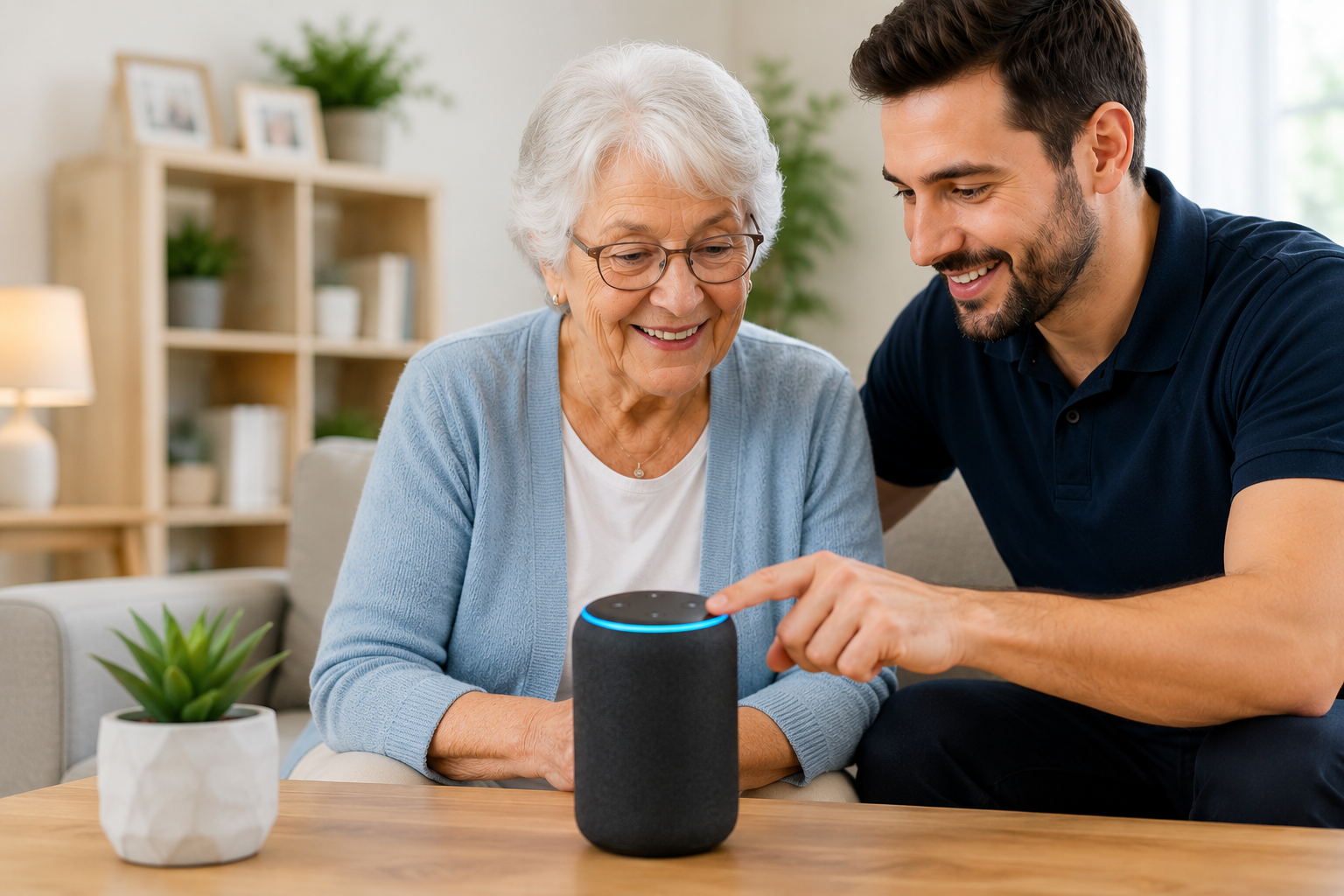
Empowering Every Senior Citizen With Seamless Hands-Free Control
Asking for the morning weather or tuning into a classic radio program shouldn't require squinting at tiny smart screens or fumbling with multi-layered apps.
Smart speakers like Amazon Echo (Alexa) or Google Nest hold massive potential for any senior citizen, offering complete hands-free communication, household assistance, and effortless entertainment. However, configuring them requires background phone applications, complex accounts, and delicate home Wi-Fi links that can feel overwhelming. SilverTech clears these hurdles completely.
We step in to unbox your equipment, position it cleanly to avoid trip hazards, run connection sequences, adjust the volume levels appropriately, and program direct integrations with music systems, news sources, or reminder logs. We emphasize clear, conversational guidance, taking our time to run practice loops together until voice control feels completely natural.
Making Voice Assistance Clear Step By Step For Seniors
Unbox & Place
We unbox the device and place it on a clean countertop near an outlet, tucking wires away safely to eliminate fallback hazards.
App Linkage
We handle the difficult smartphone configurations, create a secure profile, and bind the smart hardware cleanly to your Wi-Fi.
Audio Balancing
We tune the bass, treble, and vocal responses so speech sounds crisp, loud, and incredibly easy to understand across the room.
Practice Prompts
We rehearse basic commands together at your pace, leaving behind an interactive large-print cheat sheet for daily ease.
The Complete Smart Speaker Package For Absolute Home Comfort
Music & Radio Sync
Linking instant voice search options for your favorite singers, big band sounds, podcasts, talk shows, or daily news feeds.
Strict Privacy Locking
Disabling voice-purchasing features to prevent accidental credit card charges and adjusting privacy filters for true peace of mind.
Daily Reminders & Alarms
Configuring gentle, automated vocal prompts to alert you about medicine times, appointments, or simple baking kitchen timers.
Hands-Free Phone Calls
Setting up simple commands that let any senior citizen place instant voice calls to designated family members without needing a phone nearby.
Weather & Info Settings
Calibrating regional tracking so local forecasts, accurate times, calendar events, and holiday news report instantly on demand.
Large-Print Phrase Guides
Supplying highly visible, laminated cheat sheets that show the exact starting phrases and questions to get immediate results.
Bringing Safe, Interactive Voice Tech Directly to Senior Citizens
Enhanced Independence
Every senior citizen can confidently run timers, manage media, and contact loved ones hands-free, even if mobility is restricted.
Safety-First Verification
We secure account passwords, shut down tracking, ensure electrical cords are hidden, and make sure operations are completely safe.
Patient Training Loops
We work at a relaxed pace, never use tech jargon, and embrace all questions with the patience and respect senior citizens deserve.
Voice Assistant Setup Frequently Asked Questions
Bring Stress-Free Smart Speakers Into Your Home.
Help any senior citizen enjoy effortless hands-free music, timers, and voice calls with custom large-print phrase guides.