Make Your Tablet Simple, Useful and Easy to Enjoy.
SilverTech Home Support provides patient tablet setup and personalized training for seniors. We configure essential apps, accessibility settings, email, video calling, security and Wi-Fi so the tablet feels comfortable from the very first use.
Complete Setup & Guidance
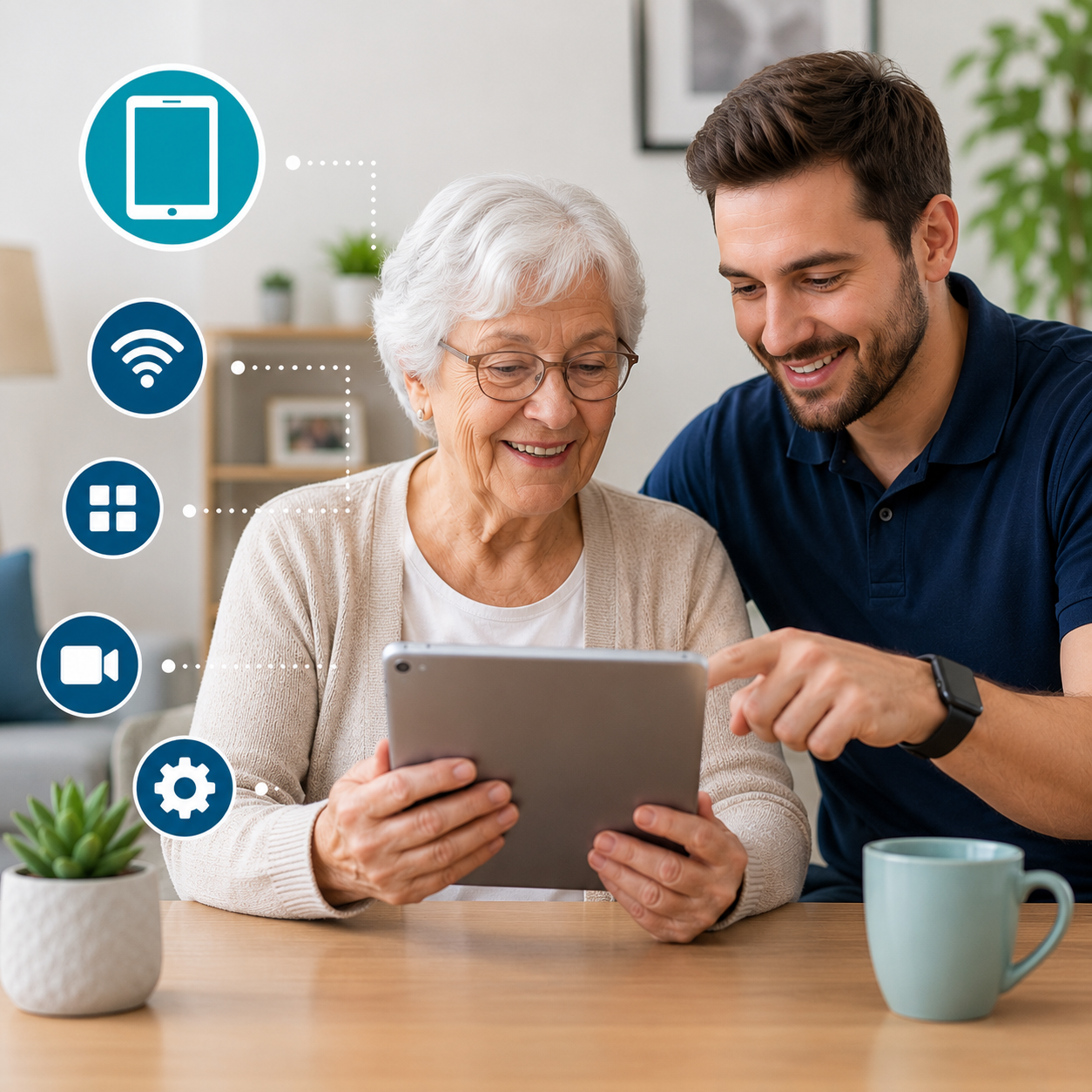
Tablet Setup Designed Around the Senior User
A tablet can be one of the easiest ways for a senior to stay connected, read, watch videos and manage everyday tasks—when it is configured correctly.
SilverTech Home Support turns a new or existing tablet into a simple, practical device. We connect it to Wi-Fi, complete the account setup, organize the home screen and install the apps that matter most. Unnecessary icons and confusing notifications can be reduced so the device feels calm and easy to understand.
We also adjust text size, brightness, volume and accessibility controls based on the user’s comfort. Email, video calling, photos, calendars, reminders, entertainment apps and online services can all be prepared in one friendly home visit. Most importantly, we teach every feature slowly and allow time for hands-on practice.
A Friendly Setup Process From Start to Confidence
Understand Your Needs
We discuss the user’s goals, comfort level, vision, hearing and the tasks they want to perform.
Configure the Tablet
We connect accounts, Wi-Fi, updates, accessibility controls and important security settings.
Organize Apps & Features
We install useful apps and arrange the home screen so the most important features are easy to find.
Teach & Practice
We demonstrate everyday tasks slowly and repeat steps until the user feels comfortable.
Complete Tablet Setup and Personalization
Account & Profile Setup
We create or connect the required Apple, Google or manufacturer account and review recovery details for future access.
Wi-Fi & Internet Connection
The tablet is connected to the home network and tested for stable browsing, messaging, streaming and video calling.
Accessibility Settings
Text size, zoom, contrast, brightness, sound and other supported accessibility features are adjusted for comfortable use.
Email & Contacts
We connect email accounts, add important contacts and explain how to read, reply, search and recognize suspicious messages.
Video Calling Setup
FaceTime, WhatsApp, Zoom or other supported services can be configured for easy family calls and regular communication.
Security & Privacy Review
Screen locks, updates, permissions, backups and privacy options are reviewed and explained in clear, simple language.
More Connection, Independence and Everyday Enjoyment
Stay Connected
Make video calls, view family photos, exchange messages and remain involved with loved ones from home.
Read & Learn Comfortably
Enjoy books, news, hobbies, recipes and educational content using a larger, easier-to-read screen.
Manage Daily Life
Use calendars, reminders, appointments, entertainment and supported online services with greater confidence.
Tablet Setup Service FAQs
Book Friendly Tablet Setup and Training.
Get complete setup, clear instructions and patient in-home support.